Real buildMicro · $249
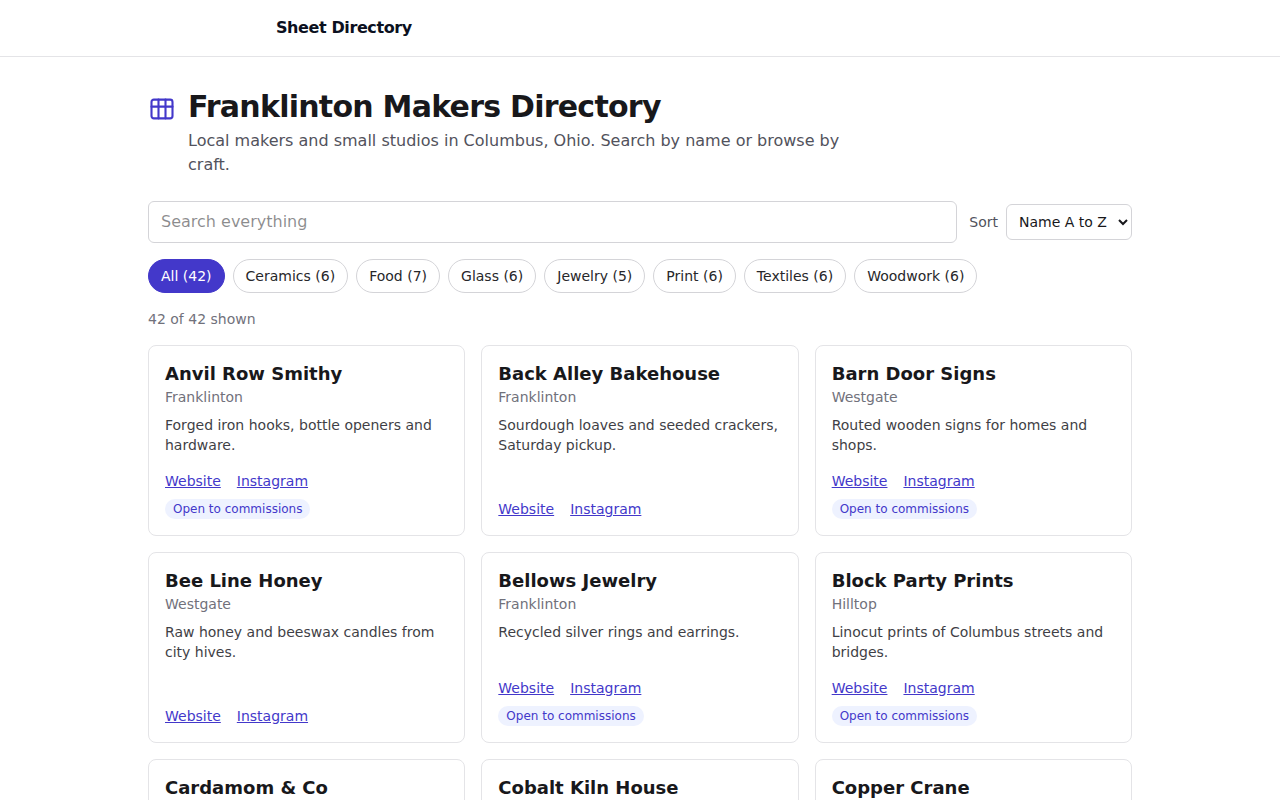
Public directory page powered by a Google Sheet
They can publish a Google Sheet as a searchable, filterable public directory and share links to individual entries.
Real builds you can try, plus common asks, each with a fixed price and a delivery time.
Browse by who you are
13 real builds and 18 common asks.
They can publish a Google Sheet as a searchable, filterable public directory and share links to individual entries.
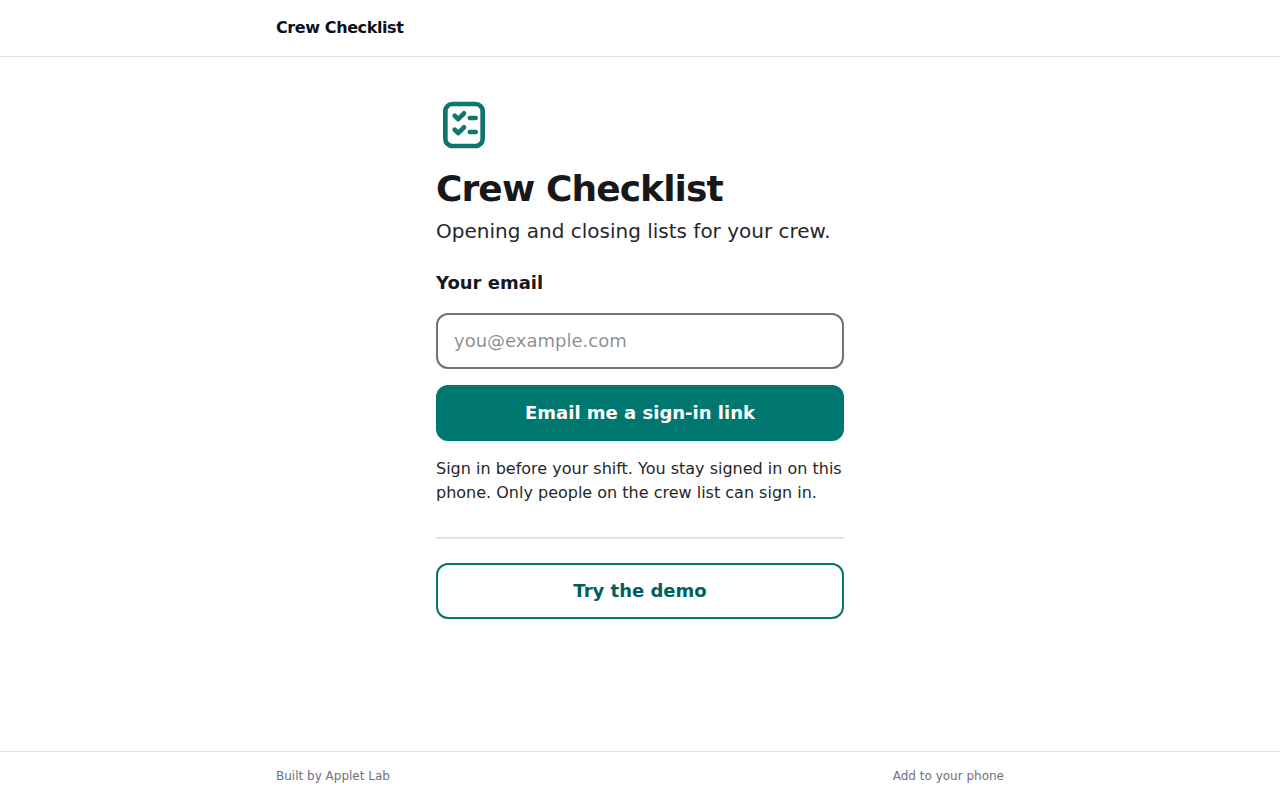
The owner can set up opening and closing checklists, add crew by email, and see each day's results in one place, including who completed each item, when, any skipped reasons, out-of-range numbers and photos.
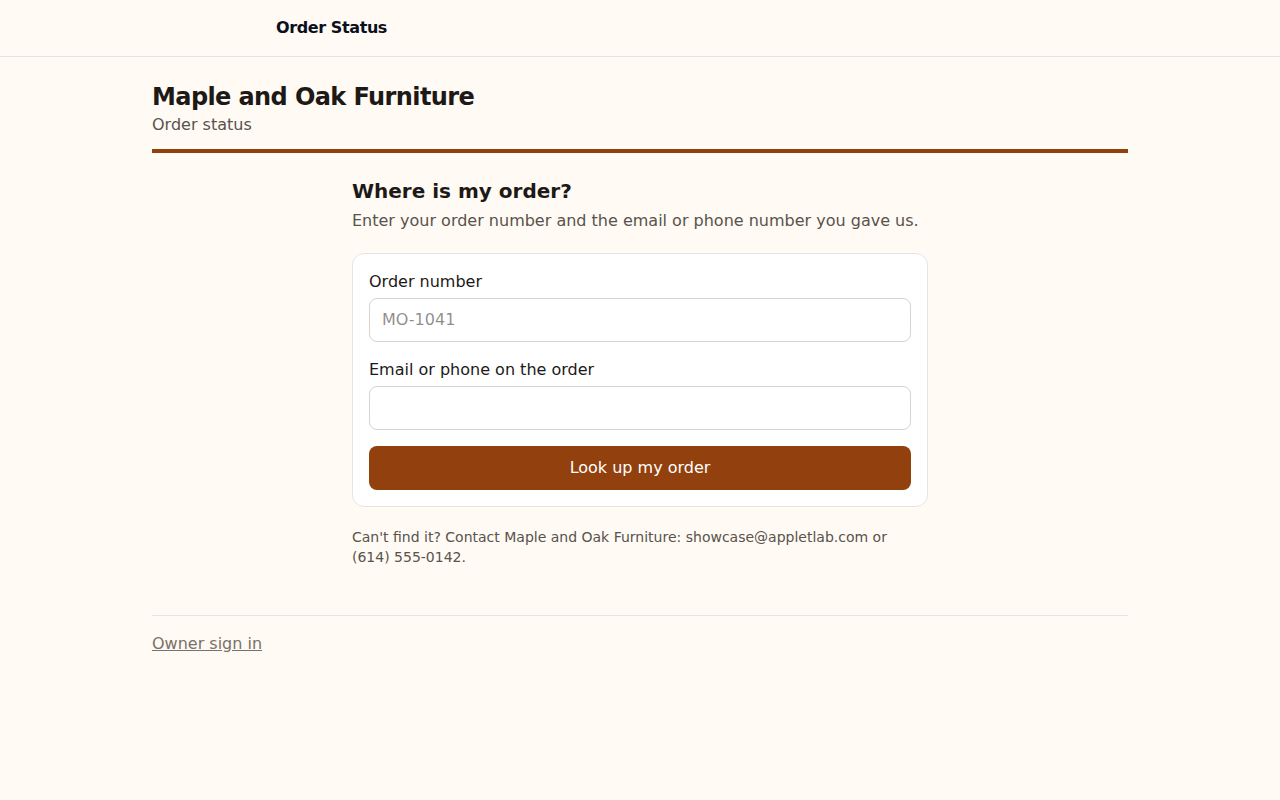
Customers can check their own order status at any time with their order number and contact details, and can choose to get emailed when their order changes stage.
The organizer can share one page where people sign up, see spots left, and join a waitlist when the event is full.
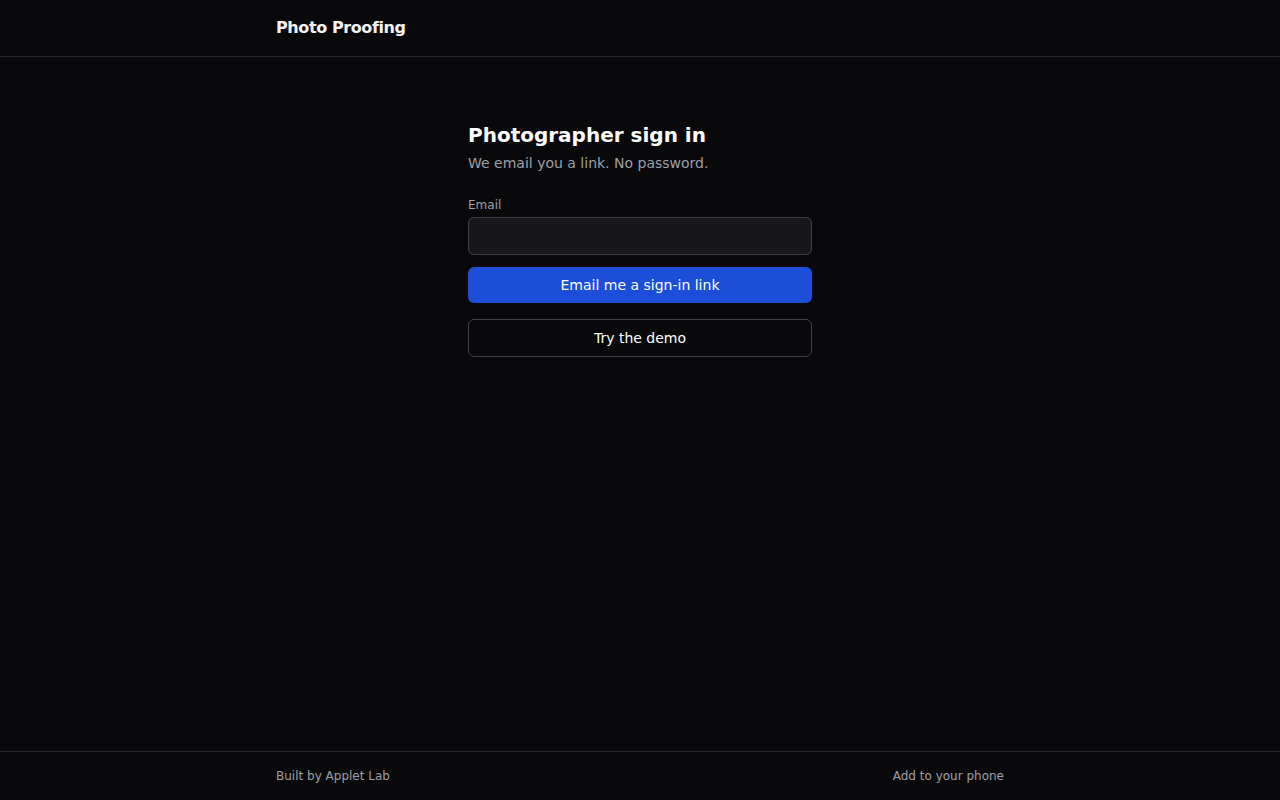
The photographer can send a client a private link, let them pick favorites and leave notes without logging in, and receive the finished list by email.
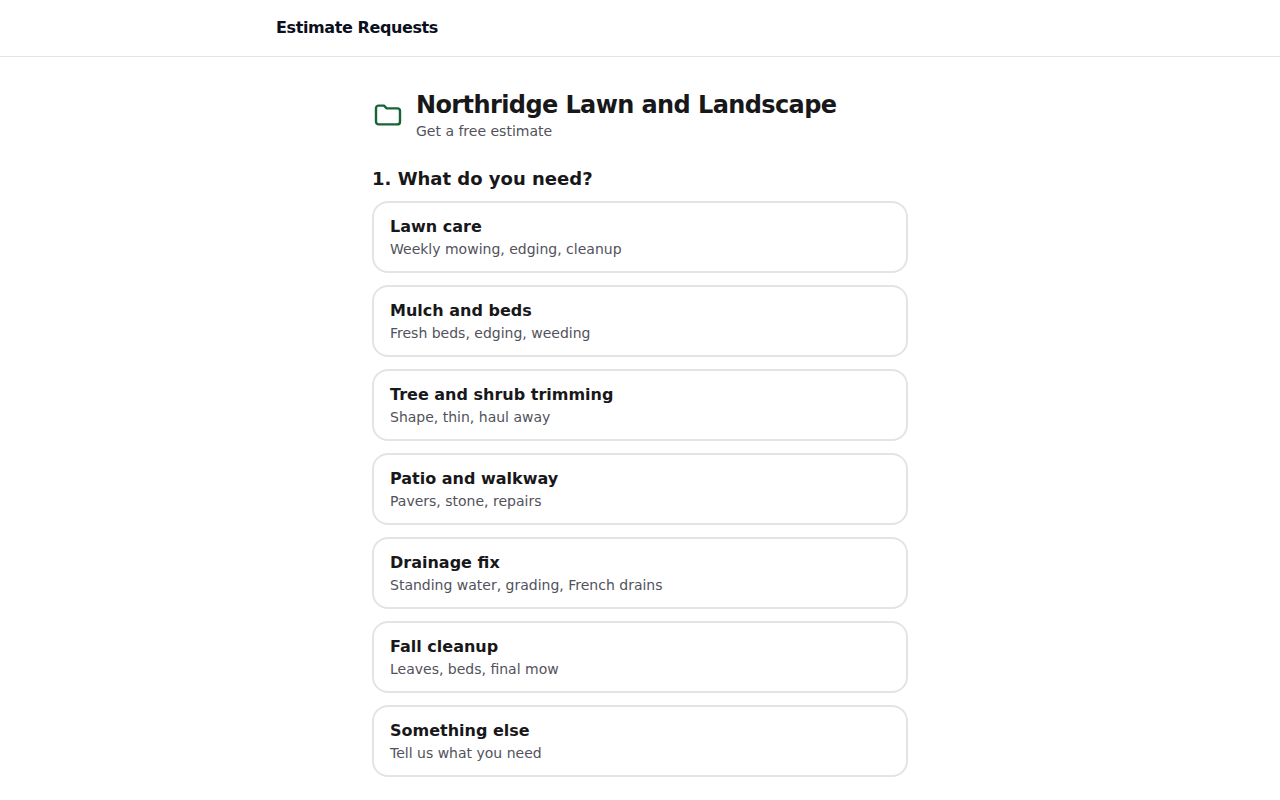
The business now has one page to send people to for estimate requests, and each request arrives with photos, address, and timing already attached.
The bakery can take cake orders through one page that only offers valid pickup dates and times, shows the estimated total and deposit, and collects the deposit through its own Stripe account.
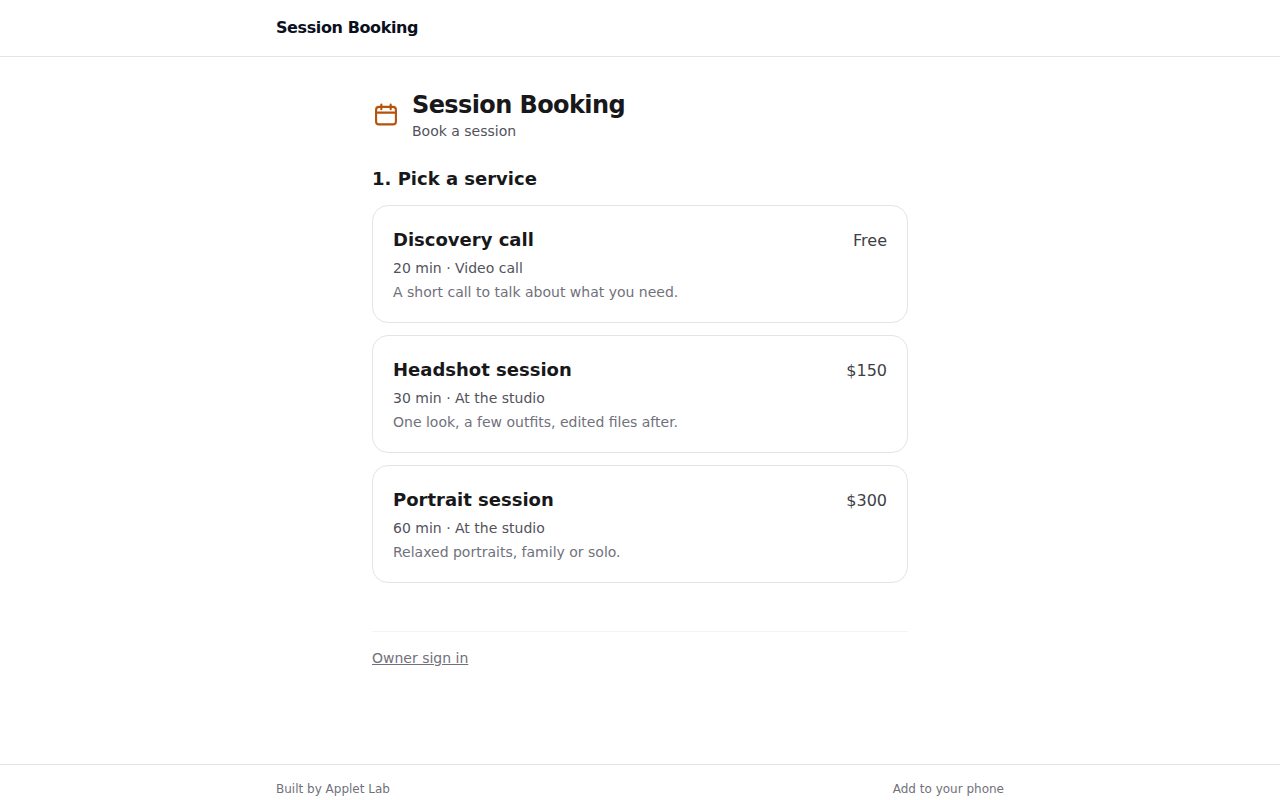
Clients can book, cancel, or reschedule a session on their own from a phone or desktop, and see only times that are actually open.
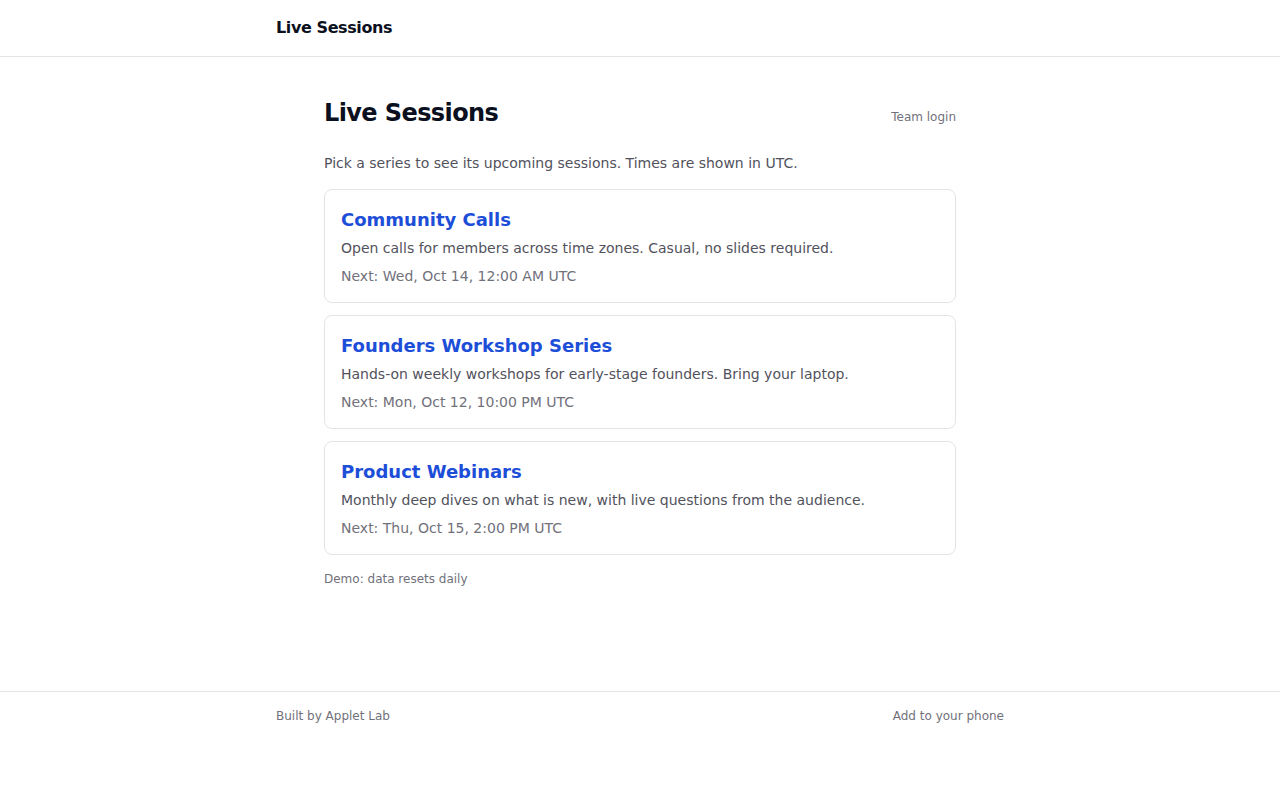
The team can now publish and manage session schedules in one place, and visitors can see times in their own time zone without creating an account.
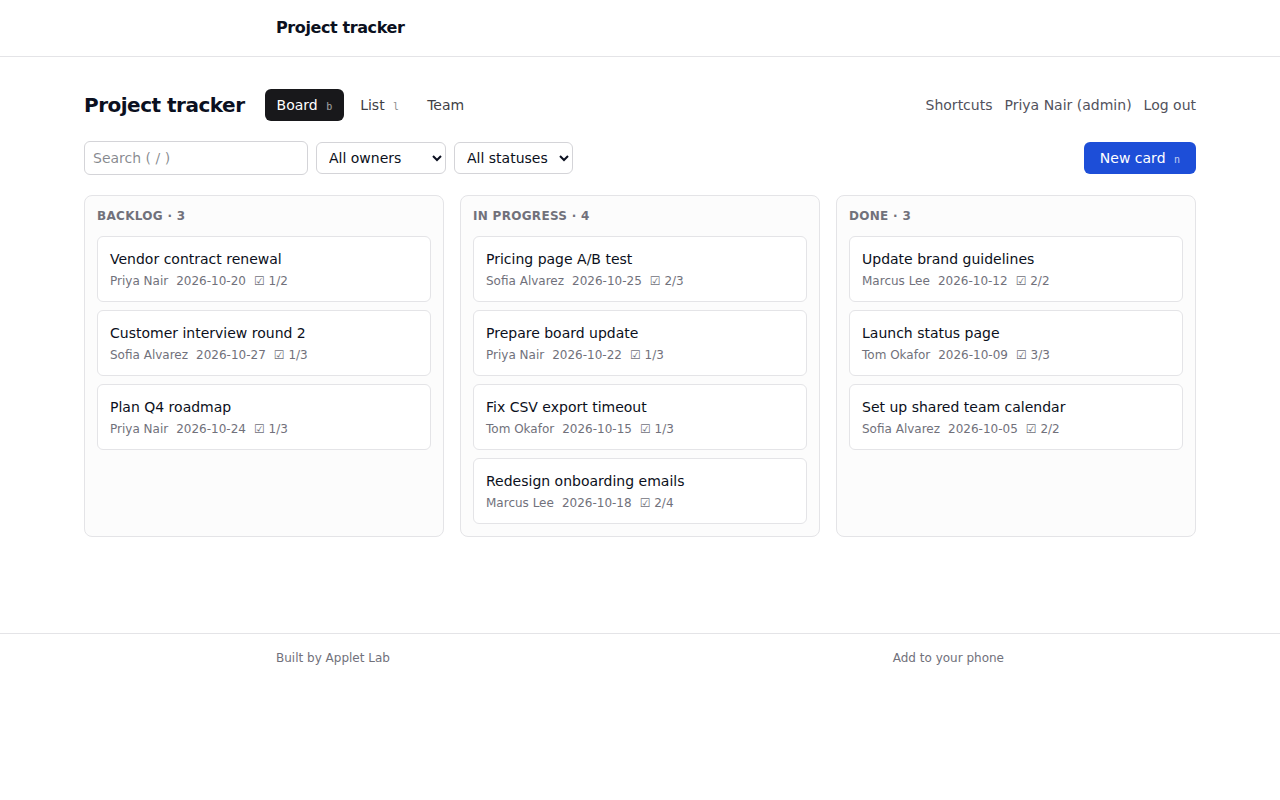
The team can now track projects in one shared app, switch between a board and a filterable list, and move work along using the keyboard.
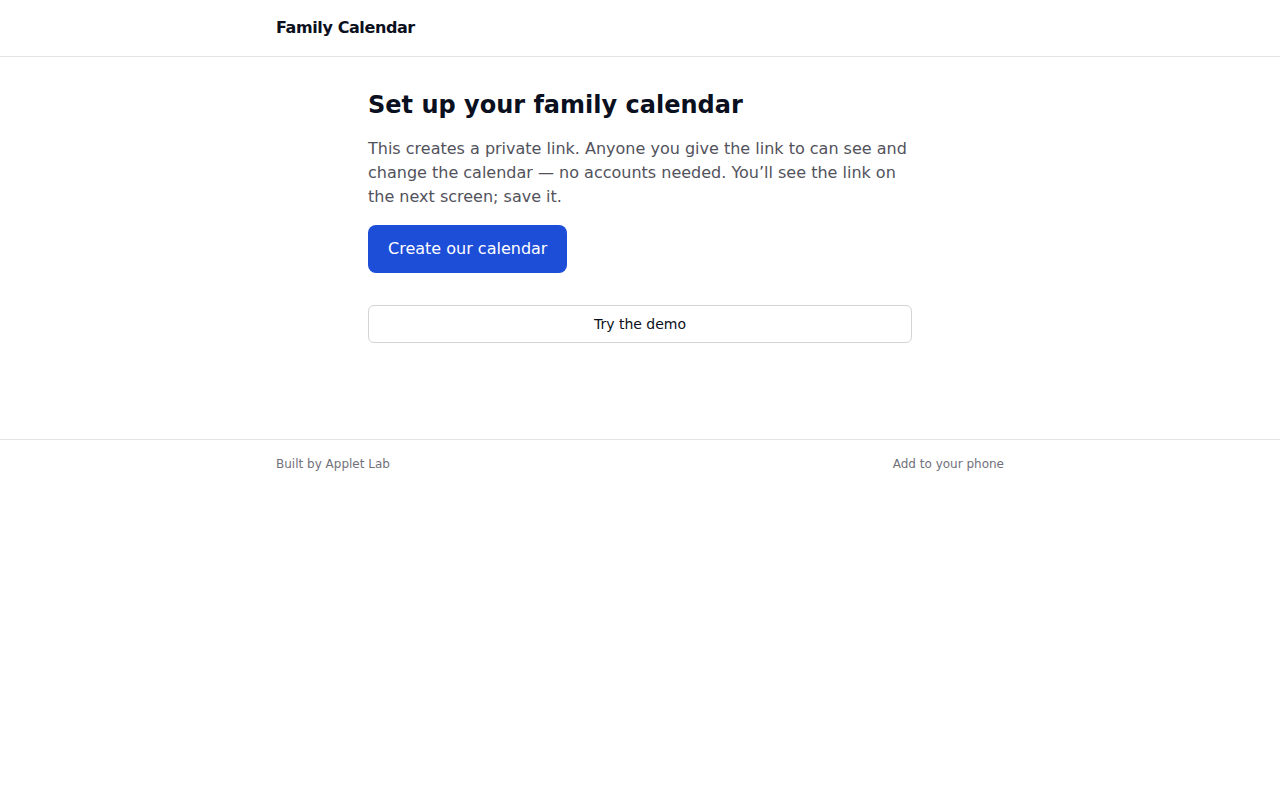
Family members can open one private link to see the week at a glance, with each person's events color-coded.
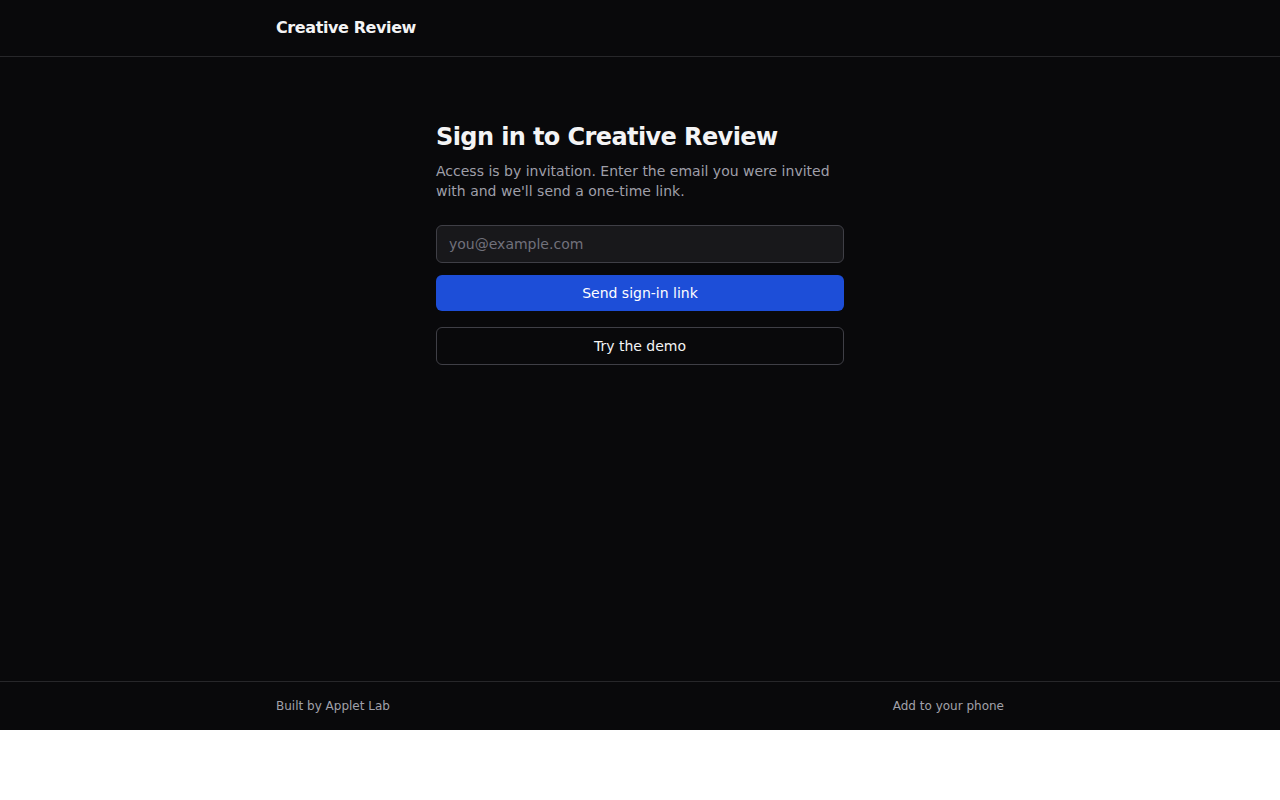
The creative director can invite reviewers, gather comments anchored to specific spots on an image, track which comments are open or resolved, and mark each round as in review, changes requested, or approved.
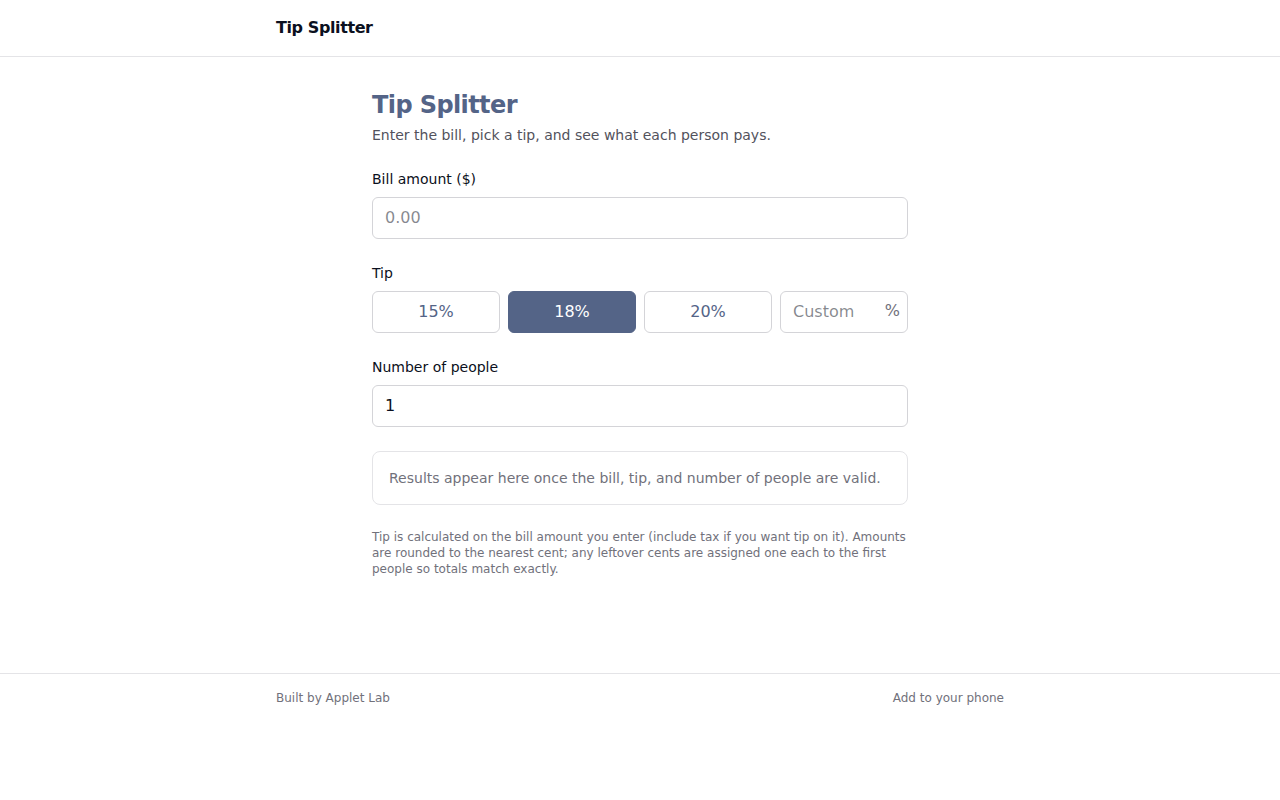
The customer can now put a tip calculator and bill splitter on their website, either through the embed snippet or the hosted link.
You described an app, an AI builder gave you a project, and it almost works.
Paper charts get lost, fridge whiteboards get erased, and generic apps come with ads, subscriptions, and features no one asked for.
Planning dinners is one job and writing the grocery list is another, and the two rarely line up.
Group trips end up scattered across a group chat, a notes app, and someone's memory of who covered the rental car.
Estimate requests often arrive as scattered texts, voicemails, and emails with a few blurry photos and no address.
Many photographers collect picks over email threads, screenshots, or lists of file numbers.
Many teams keep a directory, inventory, or listing in a spreadsheet because it is easy to update.
When customers can't see where their order stands, they email or call to ask.
Intake forms go stale.
Paper checklists and group texts make it hard to know whether opening, closing, or cleaning tasks were actually done, and by whom.
Contacts live in your phone, notes live in a notes app, and follow-ups live in your head or on sticky notes.
Most signup forms don't know when an event is full.
Most sites either have no way to leave feedback, or they have a form whose messages pile up in an inbox and get lost.
Booking by email means a lot of back and forth: "Does Thursday work?
Intake details often arrive as scattered emails, phone notes, or responses from a form tool that you have to open and reformat.
On-call schedules often live in a spreadsheet, a calendar export, or a pinned chat message.
Quoting the same kind of job over and over eats time.
Many small businesses track stock in a notebook, a shared spreadsheet, or someone's memory.
Don't see yours? Describe it and we'll scope it in a minute.