Opening and closing checklists for a cafe crew
The problem
A small cafe needed a reliable way to make sure opening and closing tasks were done each day, and to see who did them and when. Without a shared record, the owner had no easy way to check that fridge temperatures were in range, that skipped items had a reason, or that a shift had actually been finished.
What we built
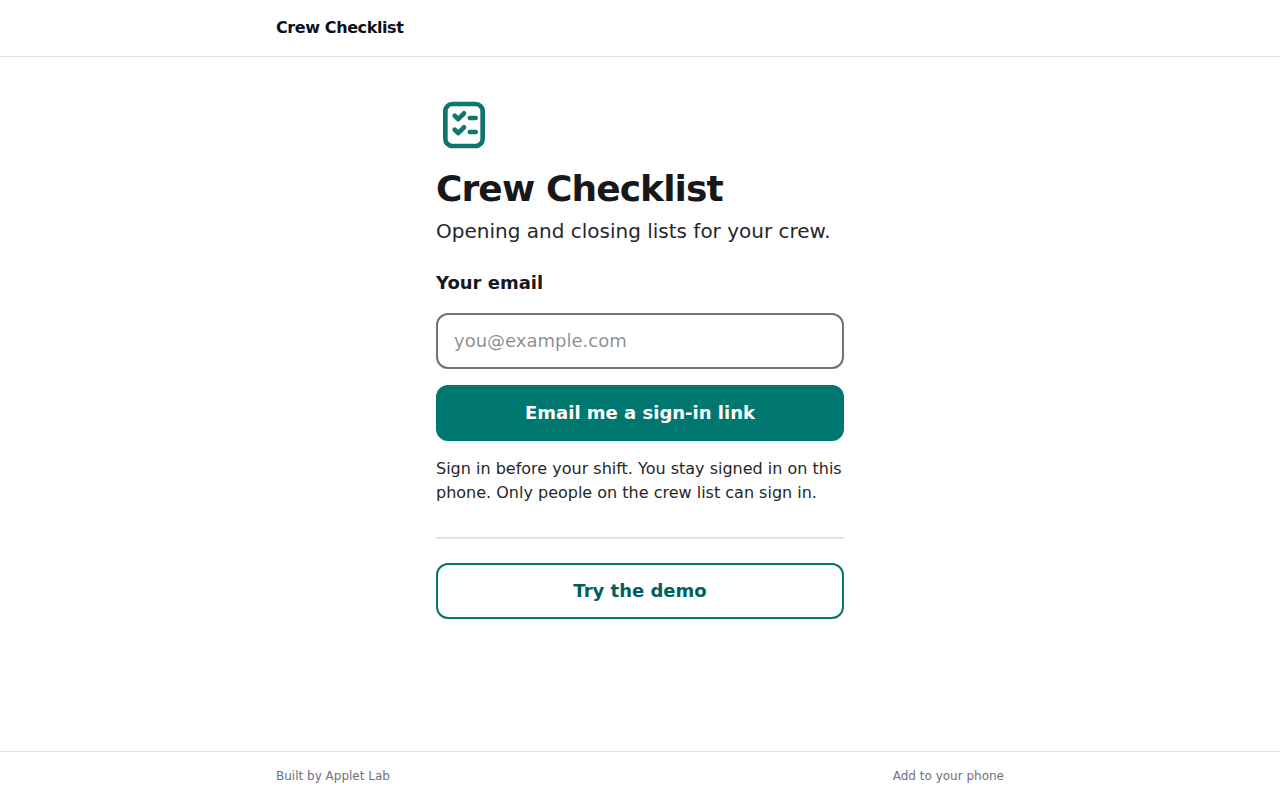
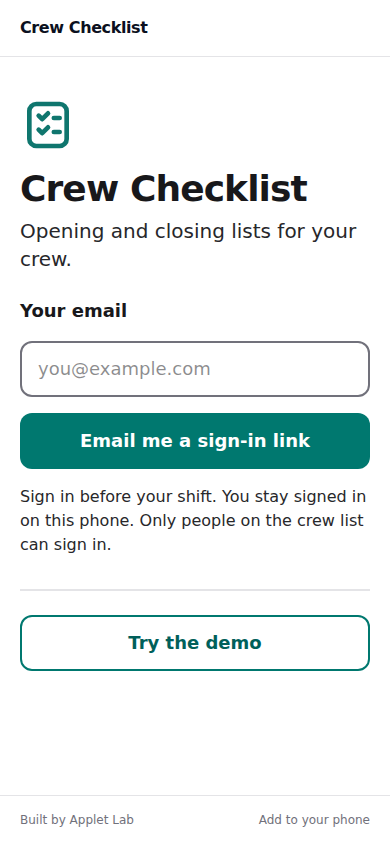
We built a web tool with magic link login and two roles: owner and crew member. The owner adds crew by email in settings. Crew see a Today screen with large Opening and Closing cards, progress, and big tap targets. Each tick records who and when, and ticks are optimistic and retry on failure. Items can be a plain check, a number entry with an optional min and max (out of range shows red), or a check with an optional photo, and any item can be skipped with a short reason. A Done for today button records the run as complete once every item is checked or skipped. The owner gets a 14-day calendar strip with a green, amber or red dot per checklist, a day detail view with items, who, times, skipped reasons, numbers and photos, and a Needs attention list for the last 7 days. Owner settings cover the cafe name, timezone, notify email, crew, checklists and items, and the summary email time. A daily summary email goes to the owner for the day that just ended, once per day and never in demo sessions. A Try demo button signs visitors in as the owner with a View as crew switch, using seeded sample data for a fictional cafe. The design is high contrast white and teal with big type and plain copy.
Outcome
The owner can set up opening and closing checklists, add crew by email, and see each day's results in one place, including who completed each item, when, any skipped reasons, out-of-range numbers and photos. Crew can work through their checklists on a phone with large tap targets and mark the day done. The owner also receives a daily summary email for the day that just ended.